


StoryBeam™ - Smart Classroom Projector
StoryBeam™ - Smart Classroom Projector
💡 Turn screen-time into learning.
🎨 Lessons, colors & stories they'll love.
🌟 First words, numbers, endless curiosity.
Couldn't load pickup availability

StoryBeam™ - Smart Classroom Projector
-

Setup took five minutes and the picture is so clear. My daughter asks to do her reading on the big screen every night now.
-

I use this in my classroom every day. Lessons, videos, and stories all look great and the kids are far more focused.
-

Way better than handing over a phone. We put learning videos and cartoons up on the wall and it has become movie night for the whole family.


Shipping & Delivery
Shipping & Delivery
We process every order within 1 to 3 business days. Once shipped, your StoryBeam arrives in 8 to 14 business days depending on your location. A tracking number is emailed to you as soon as your order is on its way, so you can follow it right to your door.
How to Use
How to Use
Setup takes just a few minutes.
1. Power on your StoryBeam.
2. Connect your device using HDMI, USB, or wirelessly.
3. Choose the lesson, book, story, or video you want to display.
4. Turn the manual focus dial until the picture is sharp.
5. Start learning and enjoy your content on the big screen.
Switch between lessons, stories, videos, and more whenever you like.
Description
Description
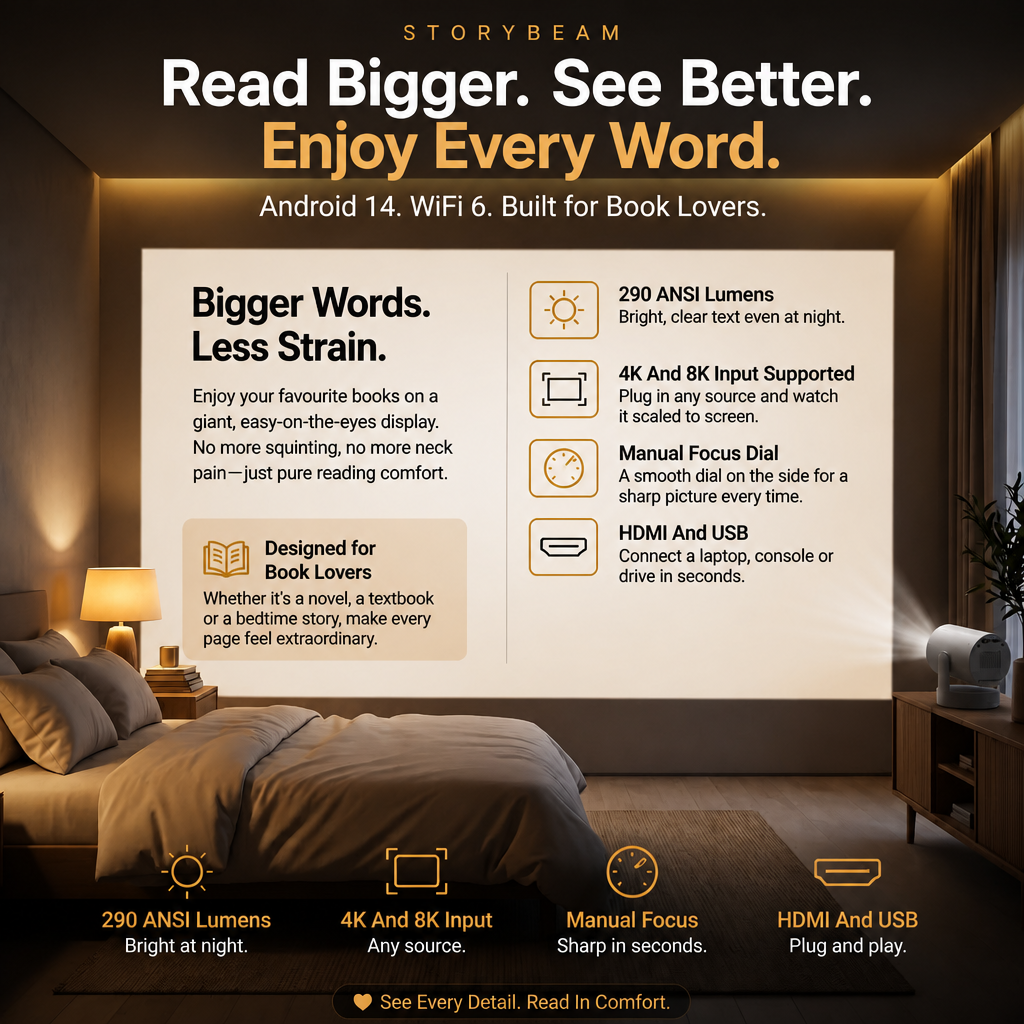
StoryBeam turns everyday learning into a big-screen experience. With 290 ANSI lumens, Android 14, Wi-Fi 6, and 4K and 8K input support, it makes books, lessons, stories, and educational content easier and more engaging to see.
Its compact design, manual focus, and HDMI and USB connectivity make it simple to set up and use at home, in the classroom, or anywhere your child loves to learn.
Turn small lessons into big learning moments with StoryBeam.
Contact
Contact
Contact us at storybeam.usa@outlook.com. We aim to respond in 24 hours.


Where Learning Comes Alive
StoryBeam is more than a projector. It is a smarter way to make learning engaging. Turn books, lessons, stories, and videos into big-screen experiences that spark curiosity and make learning fun.
Why StoryBeam?
A smarter learning tool built to make lessons more engaging and easier to follow. StoryBeam turns books, stories, lessons, and educational videos into big-screen experiences that keep children curious, focused, and excited to learn.
Frequently Asked Questions
Do I need a subscription?
Do I need a subscription?
No. StoryBeam has no monthly subscription. It is yours to use with no recurring fees.
How do I connect my device?
How do I connect my device?
Use Wi-Fi 6, HDMI, or USB to connect your device in seconds.
Can I display books and PDFs?
Can I display books and PDFs?
Yes. Show digital books, PDFs, worksheets, and presentations with ease.
Can I adjust the focus?
Can I adjust the focus?
Yes. Use the manual focus dial to get a sharp, clear image.
Can I use it for entertainment too?
Can I use it for entertainment too?
Yes. Enjoy movies, cartoons, stories, and family viewing on the big screen.
Do I need a projector screen?
Do I need a projector screen?
No. Any light-colored wall or ceiling works. The add-on screen just makes it brighter and sharper.
Happy Customer Reviews
Rated 4.9/5 based on 1,076+ Reviews
-

My Students Are So Much More Engaged
I use StoryBeam for stories, lessons, pictures, and educational videos. The kids lock in the moment everything goes up on the big screen.
-

From ABCs To Cartoons
We put on learning videos during the day and cartoons at night. It has quickly become my kids' favorite thing in the house.
-

One Projector, So Many Uses
From teaching letters and numbers to showing science clips and fun cartoons, StoryBeam has become one of my favorite classroom tools.
-

The Best Screen-Time Upgrade
Instead of handing my kids a tiny phone, I can put their learning videos, stories, and favorite shows on the big screen. Such a fun difference.
-

Story Time Is So Much Better
I project books and colorful stories with StoryBeam. The kids love seeing the characters up big, and they get excited for every single story.


